
Migration help
Still on an Online Store 1.0 theme?
We've moved older themes and custom sections to Online Store 2.0 for years. Tell us what you have and we'll tell you what it takes.
Talk to usFor Shopify Online Store 2.0 themes
Your theme came with about fifteen sections. Sections Anywhere adds the rest: sliders, shoppable images, blog layouts, QR codes, cookie banners and more. Install in one click, then edit them in the Shopify theme editor you already use.
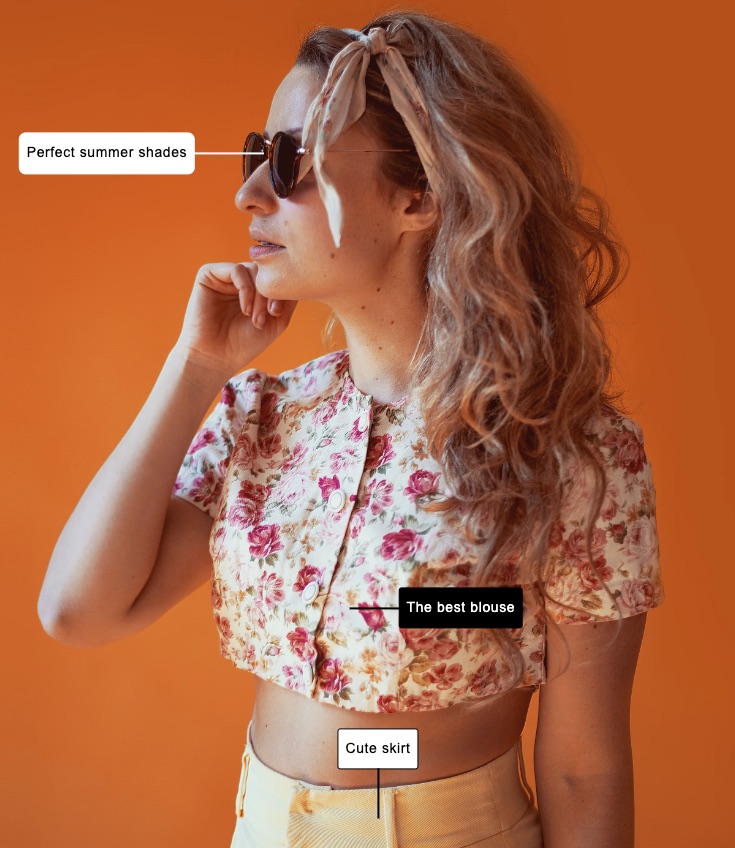
Works with every Online Store 2.0 theme, free or paid
Most themes ship with a short list. Want annotated product shots or a proper slider? You're stuck.
They take over your pages, add their own editor, and leave a mess behind if you uninstall.
A custom section can take days and a few hundred dollars. Then you need them again for every change.
How it works
Browse the library inside the app. Every section has screenshots and a live demo store.
We add the section to your theme. Nothing else in your theme changes.
Open the theme editor, choose Add section, and set it up like any built-in section.
The library
Real screenshots from Sections Anywhere sections, running on a standard Shopify theme.
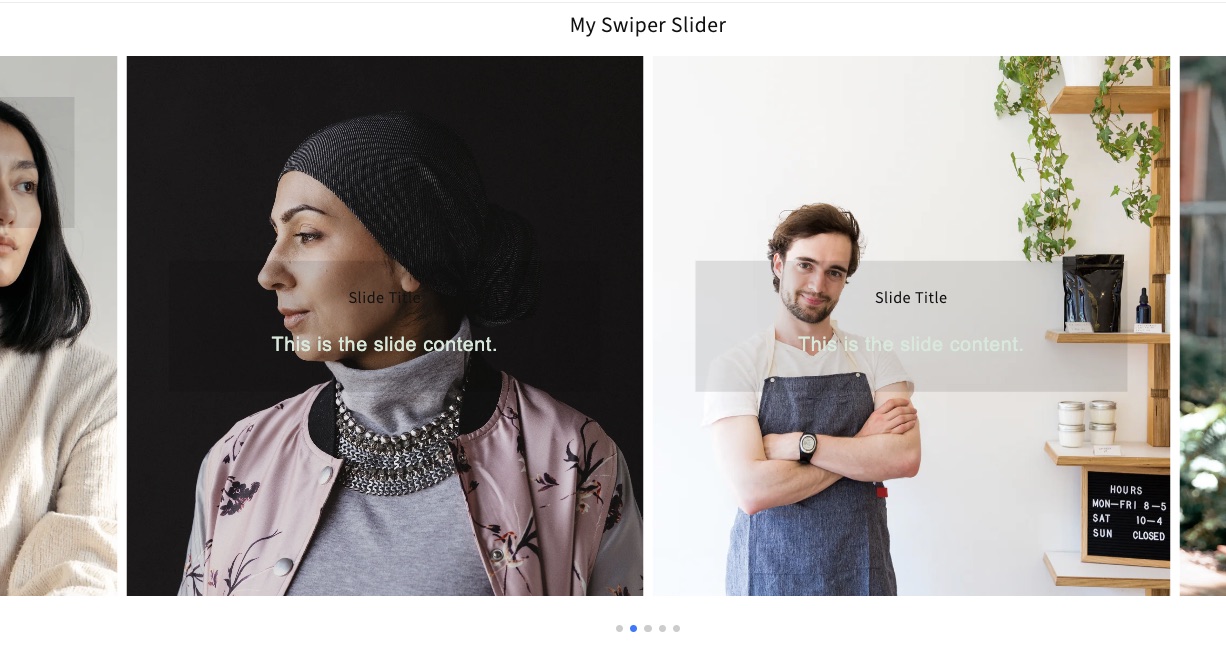

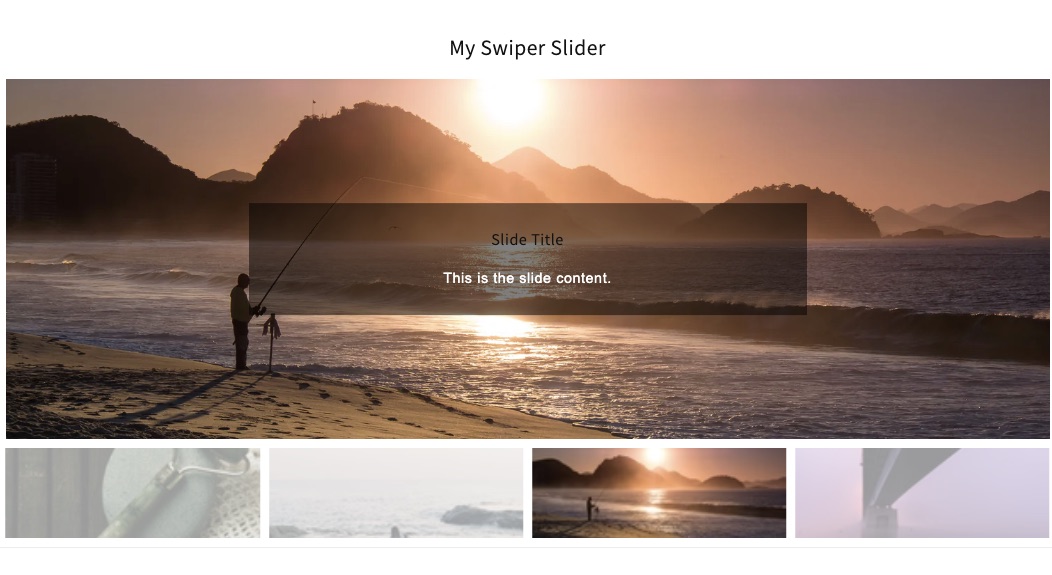
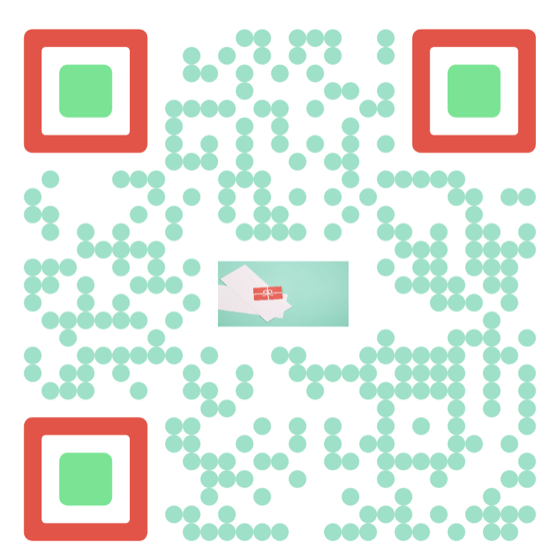
Also in the library
Not a page builder
Each section is installed straight into your theme, so it works exactly like the ones your theme came with.
<section class="sa-image-labels">
  {% for label in section.blocks %}
    <span style="top:{{ label.settings.y }}%">
      {{ label.settings.text }}
    </span>
  {% endfor %}
</section>

{% schema %}
{ "name": "Image with labels",
  "presets": [{ "name": "Image with labels" }] }
{% endschema %}
Migration help
We've moved older themes and custom sections to Online Store 2.0 for years. Tell us what you have and we'll tell you what it takes.
Talk to usFor developers
Our section code is public on GitHub for Shopify theme developers. Read it, fork it, learn from it, and use it in your client work.
View on GitHubQuestions
Yes, if it's an Online Store 2.0 theme. That includes Dawn and every free Shopify theme, most paid themes from the Theme Store, and custom themes built on sections.
No. You pick a section in the app, click to add it, and set it up in the Shopify theme editor with the usual fields, colors and image pickers.
Sections are plain theme files. A section only loads on pages where you add it, and nothing runs on the rest of your store.
The sections you added are files in your theme, so you can keep using or remove them. Your theme isn't locked into a builder.
It's a good habit. Sections are added to your published theme, so duplicate it in Shopify first and you'll always have an untouched copy to switch back to.